Expense Reporting App

An Expense Reporting App is a no-code app template designed to help businesses, freelancers, and organizations streamline the expense tracking and reporting process. Whether you’re managing employee reimbursements, tracking project costs, or monitoring business expenditures, this app simplifies complex tasks, reduces paperwork, and enhances accuracy. It’s a perfect solution for finance teams, business owners, and project managers looking for an efficient way to stay on top of expenses.
Jotform’s no-code app builder makes it quick and easy to customize your Expense Reporting App to fit your organization’s unique needs. Use the drag-and-drop builder to add forms for expense submissions, receipt uploads, and approval workflows.With compatibility across all devices, your team can track expenses on the go, while automated notifications keep everyone informed of updates and approvals. Simplify expense management, improve efficiency, and take your financial reporting to the next level with Jotform Apps.
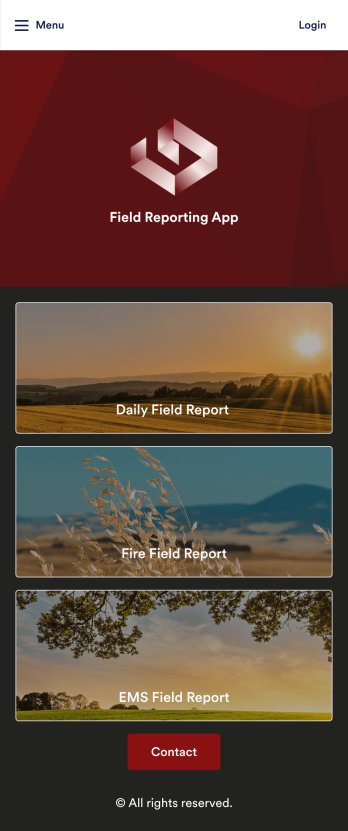
Field Reporting App
A field reporting app can be used by any company that completes field reports. With this free Field Reporting App from Jotform, your employees can complete their reports directly from their smartphone or tablet! No more messy paper forms — instantly collect information online and save it to your secure Jotform account, ready to access on any device.Need to make changes to this app template? Drag and drop to get the look you want. You can upload your logo, change existing forms or add new ones, and make other design changes with no coding required. Once your custom Field Reporting App is ready to go, share it with a link to be downloaded instantly onto any iOS or Android device.
Go to Category:Booking Apps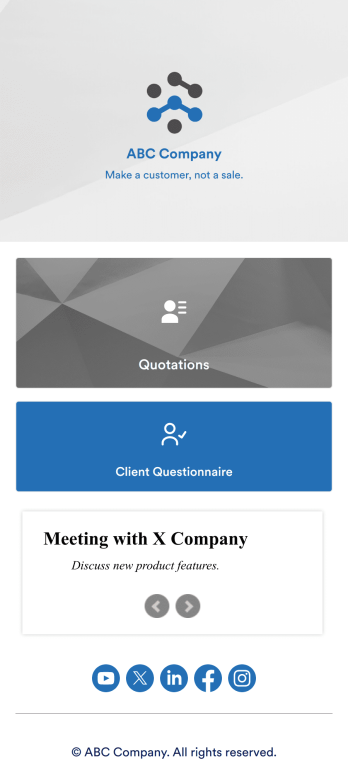
Quotation Management App
Create and manage quotes for your customers using Jotform’s free Quotation Management App for sales teams. This fully customizable mobile app includes a client questionnaire and a quotation log that syncs to our Simple CRM template. You and other members of your sales team can download and use the app on any computer, tablet, or smartphone to fill out the attached forms or view data in the tables. Customize this Quotation Management App for your business in just a couple of clicks. No coding is necessary — just drag and drop to customize the look and feel of your app. You can easily add forms, tables, links, documents, images, logos, and much more. Then share your mobile with others via the app link or by sending email invites. Make it easier to generate and track customer quotes with a custom Quotation Management App for your sales team.
Go to Category:Management Apps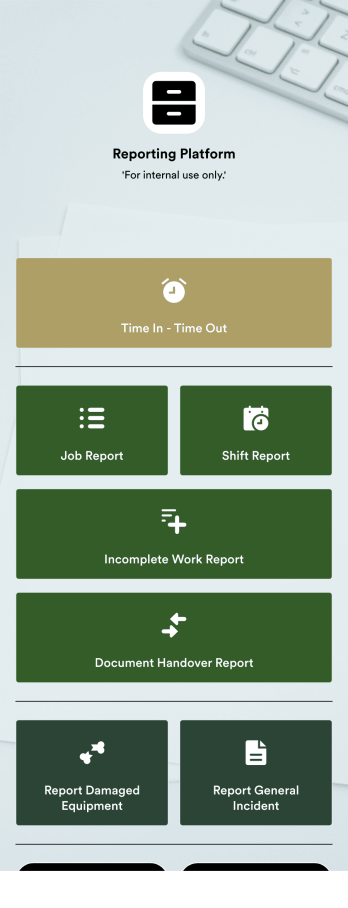
Daily Report App
A daily report app is used by employers to track shift reports, hours worked, and other types of job reports. If you need a more efficient way to collect and manage reports, do it with this ready-made Daily Report App. Simply customize the app if you need to and share it with your employees to download onto their smartphone, tablet, or computer.Customizing this Daily Report App is easy. Jotform’s drag-and-drop app builder lets you add your logo, update forms, change the app background and icon, and make other design changes with no coding required. And if you want to send reports to other platforms, you can do it automatically with 100+ form integrations.
Go to Category:Human Resources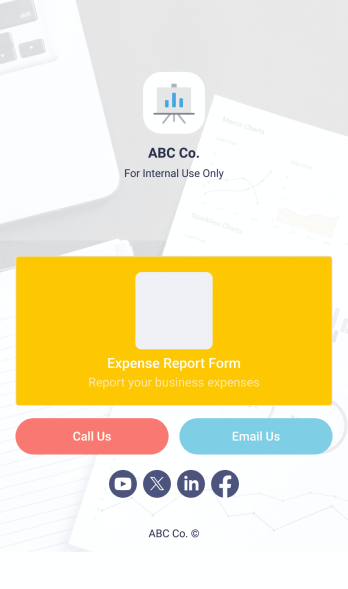
Expense Report App
An expense report app is used by companies for keeping track of employee expenses. This free Expense Report App allows employees to log business expenses by filling out a form with general contact information, cost, description, date and time, and payment and expense type. There is also an upload form for employees to attach any relevant documents and receipts. Expense reports are immediately synced and stored securely in your account, and can be sorted, filtered, and exported from any device.Customize this app template in no time using Jotform’s drag-and-drop form builder. You can easily add or swap out form elements, change text, customize your app icon and splash page, and more — no coding necessary. Share a link to your app in an email or embed it in your website, and employees can access and download it on any smartphone, tablet, or computer for future use. Keep track of all your employees’ business expenses with this Expense Report App.
Go to Category:Company Portal Apps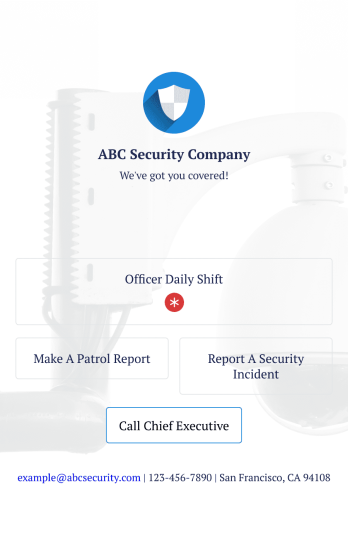
Officer Reports App
An officer reports app is used by security companies to track and manage reports from their security officers. Downloadable on any device, this free Officer Reports App from Jotform makes it easy for officers to report security incidents, submit a patrol report, or complete a daily shift form. As the company manager or owner, you can then view their submission securely from your online Jotform account.Need to customize this app’s template? Drag and drop to include more forms or spreadsheets, personalize visual elements like the icon or splash screen, and make other changes with no coding. Submissions are protected with Jotform’s advanced security features, so you can rest easy knowing your data is kept safe. Save time by switching from paper forms to online forms with this free Officer Reports App.
Go to Category:Report Apps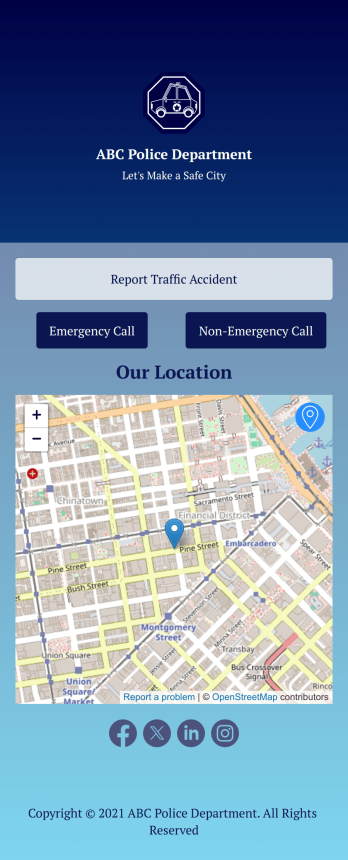
Traffic Accident App
A traffic accident app is used by private citizens to record the details of a traffic accident to give to the police. This free Traffic Accident App contains a form where drivers can take down general contact information for both parties, describe any bodily injuries or vehicular damage, draw a diagram of the accident site, and provide a digital signature. There is also space to add any witnesses who may have been on the scene.Need to change a few things? Using our drag-and-drop interface, you can easily add forms and text, choose fonts and colors, upload images, and more — all with no coding. Accident reports are stored securely in your online account and can be accessed on any device to share with the police. You can even share your report via link or attach it to an email. Provide a thorough description of a traffic accident this fully customizable Traffic Accident App.
Go to Category:Report Apps